Quick summary box, tools and materials checklist
If you want to learn how to reduce blue light exposure, start with your evening screens, room lighting, and bedtime timing.
Time needed tonight: 25 to 40 minutes for setup, then 5 minutes each evening.
Tools: phone, laptop, tablet, TV settings menu, warm bulbs or dimmable lamps, optional blue-light glasses, tape measure or timer, and a simple sleep journal.
Outcome: know how to reduce blue light exposure without quitting technology or making your evenings feel strict.
Evening light has a way of sneaking into your routine. One more episode, one more scroll, one more bright kitchen light, and suddenly bedtime feels less like a landing and more like a negotiation. The goal of this tutorial is simple: how to reduce blue light exposure in a practical, repeatable way that fits real life.
You will build a step-by-step evening light plan that lowers bright, stimulating light when it matters most. You will adjust screens, reshape your room lighting, set boundaries around late-night devices, and create a calmer pre-bed routine. Keep the tone gentle: the aim is not perfection, but a clear system you can practice tonight.
Prerequisites: how to reduce blue light exposure without overcorrecting
Before you change every bulb in your home, understand the target. Blue light is part of the visible light spectrum, and it is strongest in daylight, LED screens, many bright white bulbs, tablets, phones, and some TVs. During the day, it can support alertness. Late at night, too much bright light can make it harder for your body to shift toward sleep.
The American Academy of Ophthalmology notes that blue light from screens is not generally considered a major cause of permanent eye damage, but screen habits can affect comfort and rest. The National Heart, Lung, and Blood Institute explains that sleep timing, light exposure, and daily habits all influence rest. Use that context to avoid fear-based changes and focus on timing, brightness, and consistency.
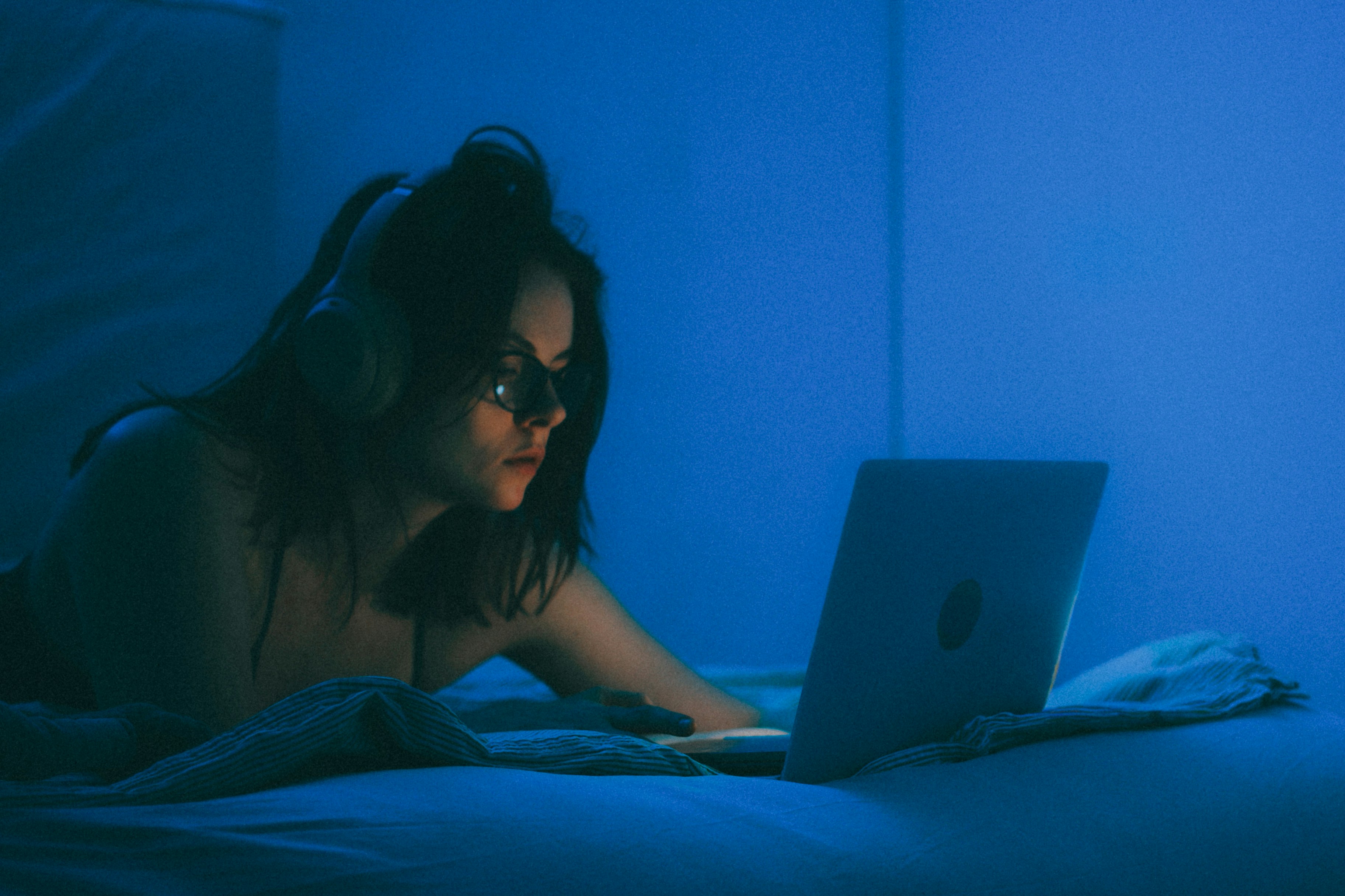
What to prepare before you start
Gather these items before making changes:
- Open the display settings on every screen you use after dinner.
- Find your lamp brightness controls, smart bulb app, or dimmer switches.
- Choose a bedtime and a screen cut-down time.
- Place a paper notebook or phone note where you can log what you change.
- Decide which screen you most often use in the final hour before bed.
| Item to adjust | Best evening setting | Why it matters | Setup time |
|---|---|---|---|
| Phone | Night mode, low brightness | Reduces harsh screen light close to your face | 3 minutes |
| Laptop | Warm display setting | Lowers cool-toned screen output during late work | 3 minutes |
| TV | Lower brightness, warm picture mode | Makes entertainment less stimulating | 5 minutes |
| Bedroom lamps | Warm, dim light | Supports a calmer wind-down space | 5 to 10 minutes |
| Bedtime routine | Same order nightly | Makes the habit easier to repeat | 5 minutes |
Warning: Do not make your home dangerously dim. Keep hallways, stairs, and bathrooms safely lit. The goal is lower stimulation, not poor visibility.
Step-by-step guide: how to reduce blue light exposure tonight
Use this sequence if you are learning how to reduce blue light exposure for the first time. Start with the biggest source of evening brightness, then work outward to your room, routine, and morning light habits.
Step 1: Set a 90-minute light boundary
Action: Count back 90 minutes from your target bedtime and set that as your evening light boundary. If bedtime is 10:30 p.m., begin your lower-light routine at 9:00 p.m. Add a phone reminder called “dim lights and screens” so the decision is made before you get tired.
Reason: Your body responds to light as timing information. A clear boundary helps separate daytime alertness from night preparation. It also keeps your plan simple because you do not need to debate every screen choice.
Use this schedule for the first week:
- Keep normal lighting before the boundary.
- Dim overhead lights at the boundary.
- Switch screens into warm, low-brightness mode.
- Avoid starting new high-stimulation tasks after the boundary.
- Repeat the same timing for seven nights.
Pro Tip: If 90 minutes feels unrealistic, start with 45 minutes. A shorter routine you repeat is more useful than an ideal routine you abandon.
Step 2: Turn on built-in screen filters
Action: Enable warm display settings on your phone, laptop, tablet, and monitor. On most devices, look for names such as Night Shift, Night Light, Eye Comfort, Comfort View, or Reading Mode. Schedule the setting to turn on automatically at your evening light boundary.
Reason: Built-in filters reduce cool-toned light and make screens feel less sharp at night. They do not erase all light impact, but they lower the intensity and make your evening environment easier to manage. Automation also removes the need to remember the setting every night.
Follow this order:
- Open display settings on your phone.
- Turn on the warmest comfortable setting.
- Reduce brightness to the lowest usable level.
- Repeat on your laptop and tablet.
- Test each screen in the room where you use it at night.
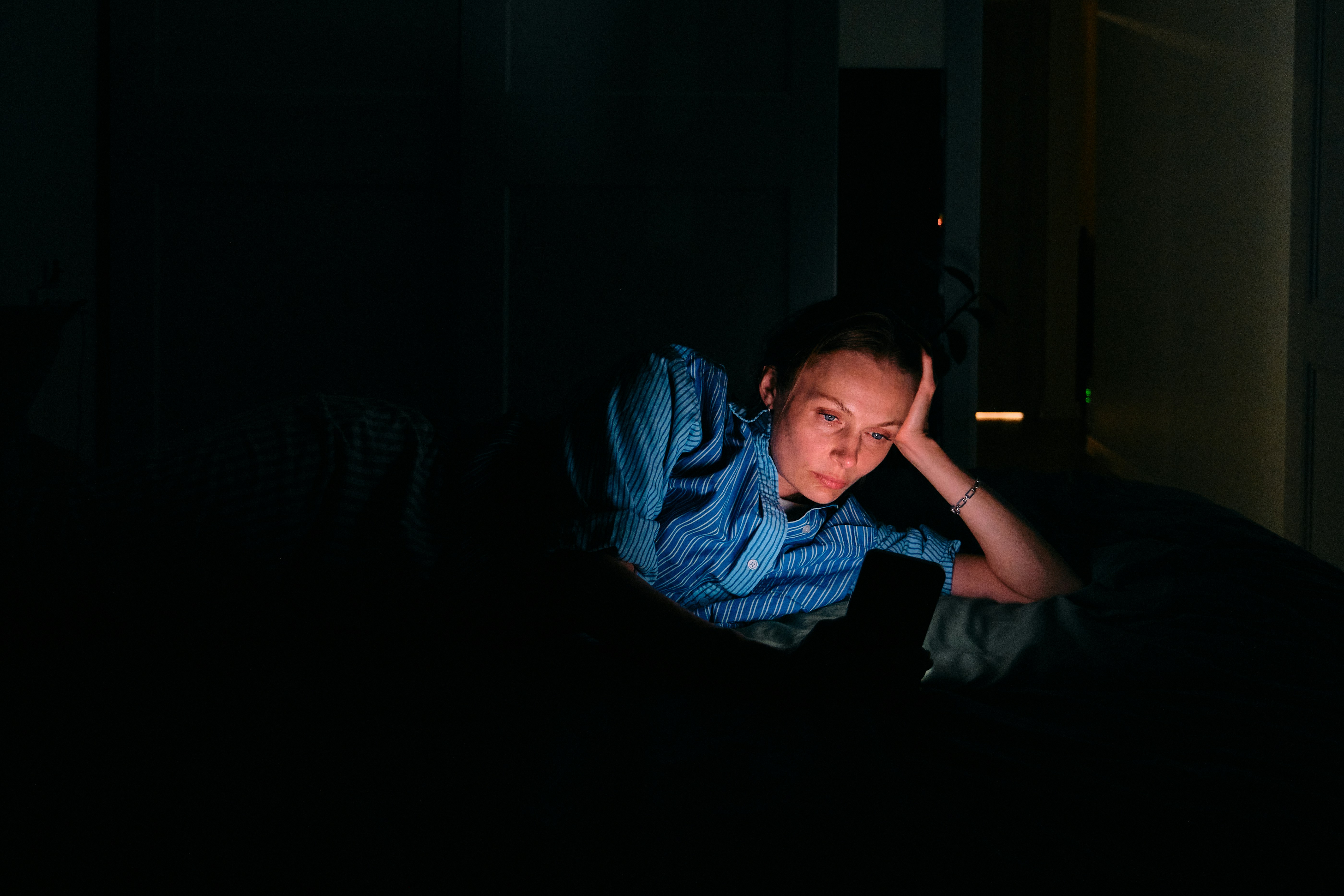
Step 3: Lower brightness before changing color
Action: Reduce screen brightness manually, even if you already use a warm filter. Keep brightness just high enough to read comfortably. If you are in a dark room, your screen should not light up your face, walls, or ceiling.
Reason: Color temperature matters, but brightness often matters more in real life. A very bright warm screen can still feel stimulating. Lower brightness reduces total light exposure and makes your routine more effective.
Try this quick test:
- Hold your phone at normal viewing distance.
- Lower brightness until text is still easy to read.
- Look away for five seconds.
- Look back and ask, “Does this feel harsh?”
- Reduce it one more step if the answer is yes.
Warning: Do not strain to read. If low brightness makes you squint, increase text size instead of forcing your eyes to work harder.
Step 4: Replace overhead light with low, warm lamps
Action: Turn off bright overhead lights during the final 60 to 90 minutes before bed. Use one or two warm lamps instead, ideally placed lower than eye level. If you have smart bulbs, choose a warm white setting rather than cool white.
Reason: Overhead lighting fills the whole room and can keep your environment feeling like daytime. Lower lamps create a softer signal that the day is winding down. This is one of the simplest home changes because it affects every activity, not just screen time.
The table below shows how different light choices usually compare for evenings:
| Evening light source | Better choice | Use it when | Avoid when |
|---|---|---|---|
| Cool overhead LEDs | Warm lamps | Reading, folding laundry, stretching | Final 30 minutes if very bright |
| Bright bathroom vanity | Dimmer mirror light | Brushing teeth, skincare | Long mirror routines late at night |
| Phone flashlight | Small night light | Walking safely | Pointing light toward your face |
| TV in vivid mode | Cinema or warm mode | Relaxed viewing | Watching from a dark room at high brightness |
Step 5: Create a phone parking spot
Action: Put your phone in a fixed place outside arm’s reach during the final 30 minutes before bed. Use a charger across the room, on a dresser, or outside the bedroom if that feels comfortable. If you need an alarm, use a clock or set the phone volume before parking it.
Reason: Blue light is only one part of late-night phone use. Fast content, messages, and decision-making also keep your mind active. A parking spot reduces both screen exposure and the urge to check “just one thing.”
Set up the habit like this:
- Choose one location.
- Plug in the charger there.
- Set Do Not Disturb.
- Place the phone down at the same time each night.
- Start a replacement activity immediately.
Good replacement activities include:
- Reading a paper book
- Stretching lightly
- Preparing clothes for tomorrow
- Listening to calm audio without looking at the screen
- Writing two lines in a sleep journal
Step 6: Change your TV settings, not just your phone
Action: Open your TV picture settings and switch from vivid or dynamic mode to cinema, movie, warm, or low-brightness mode. Turn off extra brightness boosters if your TV has them. If you stream from a device, check both the TV and the streaming device display settings.
Reason: Many people focus on phones but watch a large, bright TV in a dark room. The screen is farther away, but it can still fill your room with light. A warmer, dimmer TV setting lets you relax without turning your living room into a bright display wall.
Pro Tip: If you watch TV late, keep one warm lamp on nearby. A completely dark room can make the screen feel brighter by contrast.
Step 7: Use blue-light glasses strategically
Action: Consider blue-light filtering glasses for late work, evening gaming, or long screen sessions you cannot avoid. Choose a pair that is comfortable enough to wear for the full session. Put them where the habit happens, such as beside your laptop or controller.
Reason: Glasses can add another layer of support, but they should not be your only step. They work best when combined with dimmer screens, warmer settings, and lower room lighting. They are less helpful if you keep every screen at full brightness.
Use them when:
- You work late under a deadline
- You video call across time zones
- You game or edit media at night
- You cannot change the light environment around you
Skip them when they make colors important to your task inaccurate, such as photo editing or design work.
Step 8: Add bright morning light
Action: Get outdoor light within the first hour after waking when possible. Step outside for 5 to 15 minutes, open curtains, or sit near a bright window if outside time is not practical.
Reason: Lower evening light works better when your daytime light signal is clear. Morning light helps anchor your internal clock and can make the evening wind-down feel more natural. This is the forgotten half of learning how to reduce blue light exposure because the goal is rhythm, not darkness all day.
According to Harvard Health Publishing, light exposure at night can influence biological timing. Pair that with morning brightness so your routine has both a clear daytime signal and a clear nighttime signal.
Step 9: Track one simple metric for seven nights
Action: Log one evening behavior and one morning result for a week. Keep it short. For example, write “phone parked at 9:45” and “woke clear, okay, or groggy.”
Reason: You need feedback, but not a complicated spreadsheet. A simple log shows whether your plan is realistic. It also helps you notice which change gives the biggest payoff for your routine.
Use this format:
| Night | Light boundary met? | Final screen time | Morning note |
|---|---|---|---|
| Monday | Yes | 20 minutes | Clear |
| Tuesday | No | 55 minutes | Groggy |
| Wednesday | Yes | 15 minutes | Okay |
| Thursday | Yes | 10 minutes | Clear |
raizz is an AI sleep wearable brand. It does not just track sleep, it actively improves it through real-time closed-loop vibrations. For people who already measure sleep but still wake up tired, the raizz Band, App, and charging base connect sleep data with gentle on-wrist responses and next-day guidance. Its app includes sleep journaling, pattern insights, habit tracking, personalized audio, and recommendations grounded in established behavioral sleep science. In the context of evening light habits, that kind of feedback can help users connect choices, such as late screens or dimmer routines, with how their nights unfold.
Troubleshooting: when how to reduce blue light exposure feels hard
If how to reduce blue light exposure sounds simple but falls apart at 10 p.m., troubleshoot the routine instead of blaming your willpower. Most problems come from timing, convenience, or an all-or-nothing plan.
Problem 1: “I need screens for work at night”
Action: Build a work-specific light setup. Use warm display settings, low brightness, a desk lamp with a warm bulb, larger text, and a hard stop alarm. Keep the task list narrow so you do not drift from work into scrolling.
Reason: Some screen use is necessary. The goal is to reduce avoidable exposure while making required screen time less intense.
Try this late-work setup:
- Set screen warmth to maximum comfortable level.
- Increase font size by one or two steps.
- Use a warm lamp instead of overhead lighting.
- Work in one app or document at a time.
- Stop with a written next step for tomorrow.
Problem 2: “My room feels too dark”
Action: Add low, warm light in layers instead of turning on the ceiling fixture. Use a bedside lamp, hallway night light, or dimmable bulb.
Reason: Comfort matters. If the room feels unsafe or gloomy, you will not keep the habit. Gentle light can support the routine while maintaining visibility.
Problem 3: “I keep overriding my settings”
Action: Make the default harder to ignore. Schedule automatic screen warmth, move bright apps off your home screen, and set app limits for your highest-friction apps.
Reason: Evening self-control is unreliable because you are tired. Defaults protect your plan when motivation is low.
Problem 4: “Warm screens look strange”
Action: Step down gradually. Start at a medium warmth setting for three nights, then increase it. Do the same with brightness.
Reason: Your eyes adapt. A sudden color change can feel unpleasant, but a gradual shift often becomes normal.
Problem 5: “My partner wants brighter lights”
Action: Split the environment. Use a personal reading lamp, sleep mask, or warmer bulb on your side of the bed. Agree on one shared overhead-light cutoff time.
Reason: Light routines need to work for the household. Shared rules should be simple, visible, and fair.
Frequently Asked Questions
What is the fastest way to learn how to reduce blue light exposure?
Do blue-light glasses work better than night mode?
Is all blue light bad at night?
Should I stop using screens completely before bed?
How long before bed should I reduce bright light?
Does morning light matter too?
Conclusion: start with one screen tonight
The best way to learn how to reduce blue light exposure is to make the first step small enough that you actually do it. Choose one device, one room, and one time boundary tonight. Dim the screen, warm the color, soften the room lights, and put your phone somewhere that does not invite endless checking.
Tomorrow, notice how the evening felt. Then repeat the same setup for a week before adding more changes. A calmer night routine does not have to be perfect to be useful, it just needs to be clear enough to practice.
raizz
Your Tomorrow Starts Tonight.
raizz helps connect calmer evening habits with clearer sleep patterns tomorrow.


